In a world where seamless file sharing is essential, users often rely on services like AirDrop and Quick Share. However, these solutions can be limited by platform compatibility and the need for internet access. Enter LocalSend, a free and open-source application designed to facilitate direct file transfers between devices without the need for an internet connection or third-party services.
Understanding LocalSend’s Functionality
LocalSend allows users to transfer files securely between various devices, including Windows, Mac, Linux, iOS (iPhone, iPad), and Android. This cross-platform compatibility is a significant advantage, enabling users to share files without being confined to a specific ecosystem. Unlike traditional methods that depend on cloud services like Google Drive, LocalSend transfers files directly from one device to another, ensuring that no third-party service is involved in the process.
One of the standout features of LocalSend is its security protocol. The application employs TLS certificates generated on the fly, which encrypts the data during transfer. This means that users can share sensitive files without worrying about interception. Additionally, LocalSend does not store any files in the cloud, further enhancing its security by eliminating potential data breaches associated with cloud storage solutions.
📚 Recommended Digital Learning Resources
Take your skills to the next level:
Nclex-RN Exam Prep Flashcards | 800 Cards | All 8 Content Areas | Anki Decks Normal & Cloze | 8 PDF Layouts | RN Licensing Exam
Nclex-RN Exam Prep Flashcards | 800 Cards | All 8 Content Areas | Anki Decks Normal & Cloze | 8 PDF Layouts | RN Licensing Exam
LSAT Flashcard Study System | 800 Cards | 8 Categories | Anki Decks Normal Cloze | 8 PDF Layouts Color Print
LSAT Flashcard Study System | 800 Cards | 8 Categories | Anki Decks Normal Cloze | 8 PDF Layouts Color Print
📊 Key Learning Points Infographic
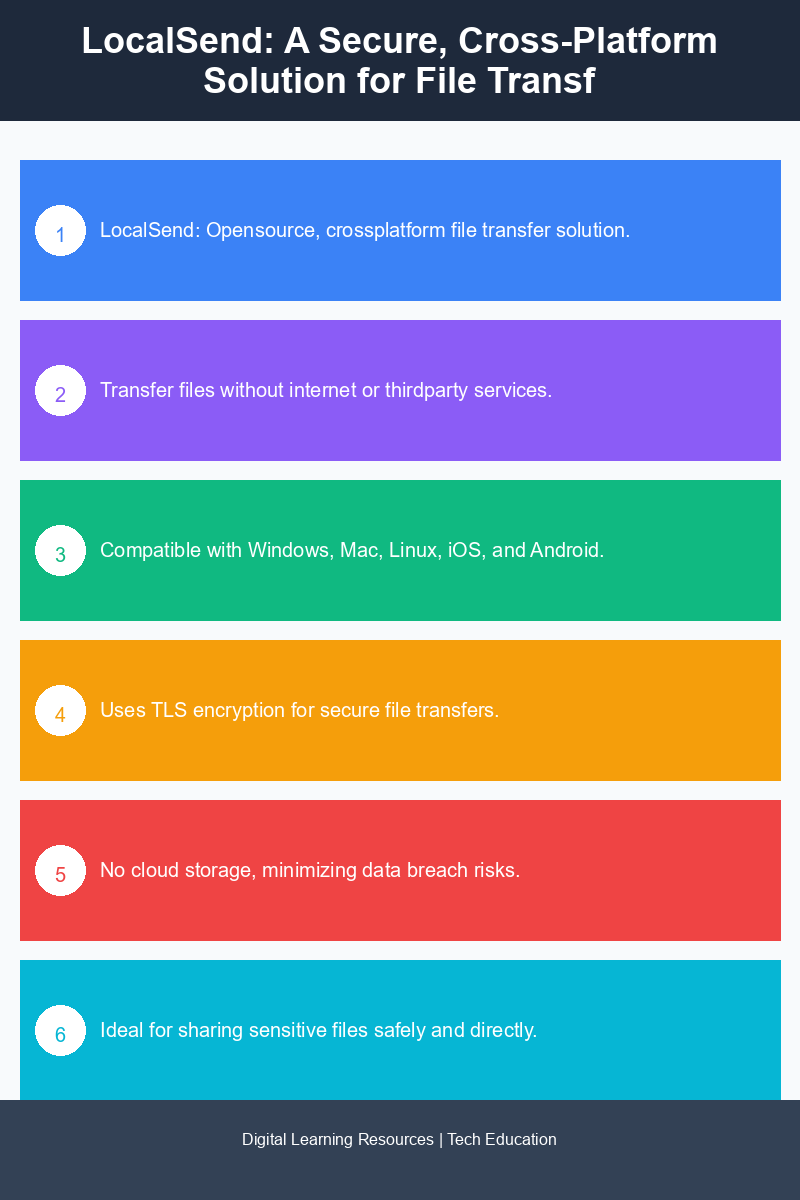
Visual summary of key concepts
GMAT Flashcard Study System | 700 Cards | 8 Categories | Anki Decks Normal Cloze | 8 PDF Layouts Color Print | Offline Interactive HTML
GMAT Flashcard Study System | 700 Cards | 8 Categories | Anki Decks Normal Cloze | 8 PDF Layouts Color Print | Offline Interactive HTML
MCAT Flashcard Study System | 820 Cards | 9 Categories | Anki Decks Normal Cloze | 8 PDF Layouts Color Print | Instant Download
MCAT Flashcard Study System | 820 Cards | 9 Categories | Anki Decks Normal Cloze | 8 PDF Layouts Color Print | Instant Download
PSAT Flashcard Study System | 600 Cards | 9 Categories | Anki Decks Normal Cloze | 8 Pdf Layouts Color Print | PSAT NMSQT Exam Prep
PSAT Flashcard Study System | 600 Cards | 9 Categories | Anki Decks Normal Cloze | 8 Pdf Layouts Color Print | PSAT NMSQT Exam Prep
Installation and User Interface
Installing LocalSend requires some initial setup, particularly through the command line. For instance, on a Linux system, users can easily install necessary dependencies using a command like sudo apt install -f. Once installed, users can access LocalSend through their device’s launcher, providing a straightforward user experience.
The user interface is designed to be intuitive. After launching the application, users can customize their device name within the application settings, making it easier for others to identify their device during file transfers. This feature enhances the overall user experience, especially in environments where multiple devices are in proximity.
Practical Applications of LocalSend
LocalSend is particularly useful for those who frequently share files in settings without reliable internet access, such as classrooms, offices, or group events. For example, a teacher can quickly distribute lecture notes or presentations to students’ devices without needing an internet connection, streamlining the process and maintaining a focused environment.
Additionally, developers and tech enthusiasts can benefit from LocalSend when sharing code snippets, project files, or documentation among team members. The ability to transfer files securely and directly without relying on external services can enhance productivity and collaboration in software development projects.
Moreover, LocalSend supports various file types, making it versatile for different use cases. Users can share documents, images, videos, or any other file type, all while maintaining a secure and direct connection between devices.
MyFlashDecks.com
Need Custom Flashcards for Any Exam or Topic?
Get a complete flashcard study system tailored to your exact topic — 800+ cards, an interactive HTML app, 8 PDF layouts, and 2 Anki decks, all delivered to your email within 24 hours.
Conclusion: The Future of File Sharing
LocalSend stands out as a compelling alternative to traditional file-sharing methods such as AirDrop and Quick Share. With its cross-platform capabilities, secure transfer protocol, and direct device-to-device communication, it addresses many of the limitations users face with existing solutions. Whether in a classroom, workplace, or social gathering, LocalSend provides a reliable and efficient way to share files without the constraints of internet access or third-party services. As more users seek secure and versatile file-sharing solutions, LocalSend is poised to become an essential tool in the digital landscape.
Disclaimer: Information gathered from reputed public sources. Verify independently for specific implementations.
Ready to advance your skills? Explore our digital learning resources.
📑 About the author: I also build Digital Bizz Card — hosted digital business cards you can share with a QR code, no app required.