Cybersecurity
MCP Server Security: Practical Controls for Tools, Tokens, and Data
Learn MCP server security best practices for access control, token validation, input checks, network limits, and protecting data from untrusted tool outputs.
Contents
Map trust boundaries before granting accessPrompt injection and tool poisoning through toolsAuthentication and permissions for remote serversPre-connection checklist for a third-party serverContain failures and test the attackFrequently Asked QuestionsMCP server security means limiting what a server can access, checking every request and tool argument, and treating model-readable content as untrusted. A secure setup layers these controls: no single approval, prompt, or filter can make a server safe on its own.
The guidance below follows the MCP security and authorization pages dated 2026-07-28 and OWASP Top 10 for LLM Applications 2025. Protocol details can change, so check the current specification when implementing or reviewing a server.
Map trust boundaries before granting access
An MCP integration crosses several boundaries: user to app, app to model provider, model to tools, client to server, and server to the files, databases, or APIs behind it. A remote server adds a network boundary. Each crossing is a place where data or code may be untrusted.
The model-to-tool boundary deserves special attention. A model can be steered by text it reads, including text returned by a tool. That means a tool result is not just information for the model: it may contain an instruction designed to change what the model does next.
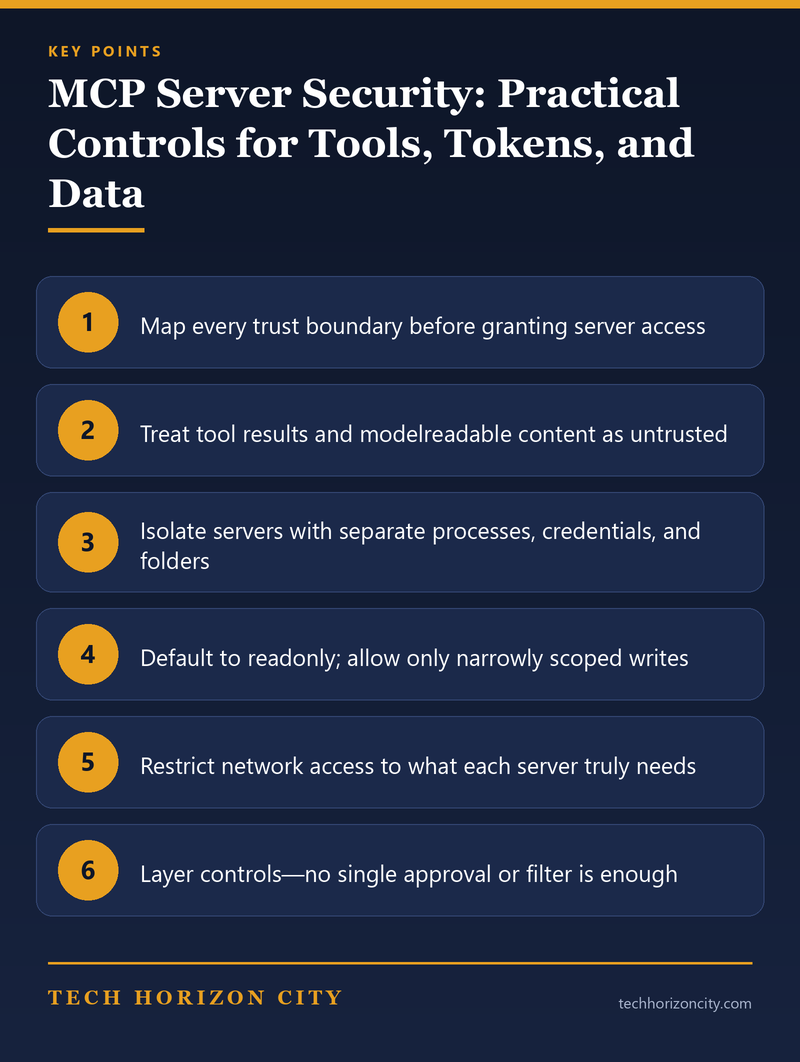
Design access around the server’s specific job. Run servers in separate processes where practical, with separate credentials and folders. Default to read-only access; if writing is necessary, provide at most one narrow write tool. Give each server only the network access it needs, and decide explicitly whether it needs outbound connections.
Validate inputs at three layers: schema, logic, and policy. Schema validation checks the input’s shape and type. Logic validation checks whether the requested operation makes sense. Policy validation checks whether this identity may perform that operation on that resource. Never treat a model-provided argument as proof of identity: use the identity in a verified token.
Prefer allow-lists to deny-lists. For example, permit a specific set of hosts or database fields rather than trying to block every dangerous possibility. Bound input and output sizes, tool calls, steps, and execution time. These limits reduce the impact of mistakes as well as attacks.
Prompt injection and tool poisoning through tools
Prompt injection, identified as OWASP LLM01, occurs when text read by a model changes its behavior. The text may come directly from a user or indirectly from a file, support ticket, web page, or database row. A message that looks like an instruction can therefore arrive inside content the model was asked to summarize or search.
Treat tool output as data, not as authority. Provenance labels can help the system distinguish a user request from retrieved content, but they do not remove the attack. Strip hidden characters where appropriate and cap content sizes. Keep approval gates on writes, and use the smallest permissions possible.
Where feasible, separate reading untrusted content from taking actions or sending data out. A session that can read arbitrary material and also email, upload, or modify records creates a path for injected instructions to cause harm. If a workflow needs both capabilities, place a clear authorization step between them and show the user what will happen.
Tool poisoning targets the tool layer itself. A server can include malicious directions in a tool description, or its descriptions can change after the server has been approved—a pattern often called a rug pull. Screen tool names and descriptions before use, pin the server version, and compare its tool list and descriptions after every update. A review is not permanent if the server changes.
Approvals must be enforced in code, not left as instructions to the model. Fail closed when an unknown tool is requested, show the exact tool and arguments before a write, and log the approval decision. Keep the tool set small to limit excessive agency, the risk described by OWASP LLM06.
Other common tool risks require controls at the point where the server touches a system. Use parameterized SQL values, allow-list identifiers such as table or column names, connect read-only where possible, and set query limits. For file access, do not block traversal by searching for the string “..”. Resolve the real absolute path and require it to remain inside the allowed root; also reject absolute paths, drive letters, and null bytes.
Never pass user text to a shell with shell=True; pass an argument list instead. For outbound requests, require HTTPS, allow-list hosts, and confirm the resolved IP is public to reduce SSRF and data-exfiltration risk. Do not return environment variables, secrets, or stack traces to the model. Send short errors to the model and keep diagnostic details in logs.
Authentication and permissions for remote servers
Under the MCP specification dated 2026-07-28, authorization is optional, but HTTP servers SHOULD follow the authorization specification. Stdio servers should NOT use OAuth; they should receive credentials from the environment. The remote authorization model is based on OAuth 2.1.
For an authorized HTTP request, send the bearer token in the Authorization header on every request. Never put it in a query string. The server must validate the token’s signature, expiry, issuer, and audience—that is, whether it was issued for this server. The resource indicator and audience handling are tied to RFC 8707.
Servers publish protected-resource metadata under RFC 9728, allowing clients to discover the authorization server from that metadata. The 2026-07-28 specification prefers Client ID Metadata Documents; Dynamic Client Registration is deprecated. Do not assume an unverified authentication detail is mandatory: explicit PKCE wording was not verified in the specification pages reviewed.
Return HTTP 401 for an invalid or expired token, with a WWW-Authenticate header pointing to the protected-resource metadata. Return HTTP 403 with insufficient_scope when the token is valid but lacks permission. Scopes should be precise, contain no wildcards, and be checked for each tool. In a lab example, notes:read was required for all tools and notes:write for the single write tool. Wrong-audience tokens were rejected with HTTP 401 in lab tests.
Audience checks also prevent confused-deputy and token-passthrough problems. Never forward a client’s token to an upstream API. Use a credential intended for that upstream service, with its own appropriate permissions. Keep secrets out of code, tool results, logs, and chat; use environment variables or a secret store, and prefer short-lived tokens.
For local servers, validate both Origin and Host, bind to 127.0.0.1, and require a token. A request with Origin: https://evil.example was tested against the Python SDK mcp 2.x server and received HTTP 403 with Invalid Origin header. Local installation also needs care: a one-click setup can run an attacker’s command. Show the exact command and require approval before execution.
Pre-connection checklist for a third-party server
A third-party MCP server is code running with access you grant it. Review it before connecting, then repeat the review when it changes. Use this checklist:
- Verify the source. Confirm that the project and maintainer are known. Pin a specific version rather than automatically following updates.
- Review the implementation. Read the code or obtain a reputable security review. Scan dependencies and prefer official servers where available.
- Inspect the tools. Screen the tool list and descriptions for unexpected behavior or instructions. Save a baseline and diff both after every update.
- Limit access. Run the server with minimal environment variables, folder access, credentials, and network egress. Start read-only unless a specific write operation is required.
- Control writes. List every write-capable tool and require approval that displays its exact arguments. Unknown tools should fail closed.
- Trial and monitor. Review logs during an initial trial. Confirm that secrets and sensitive details are not being returned in tool results or exposed to the model.
- Plan for removal. Know how to stop and disable the server quickly, and how to revoke its credentials.
Tool-description screening is heuristic, not a guarantee. Likewise, one live model resisting one prompt-injection attempt is only one sample, not evidence that the system is safe. Lab testing also used a shared-secret token rather than a real authorization server, so it does not establish that a production OAuth deployment is secure.
Contain failures and test the attack
Assume a control can fail. Layer permissions, validation, approvals, and resource limits, then test the attack itself. A regression test should reproduce a blocked path traversal, unauthorized write, rejected token, or other failure mode so that a later change does not silently reopen it.
If a server is compromised, stop the server and its host. Revoke and rotate reachable tokens and secrets, review the audit log of tool calls and approvals, and check files and databases for changes. Fix the failed control and add a regression test that reproduces the attack.
Secure MCP deployments depend on narrow permissions, verified identity, careful review of tool behavior, and limits on what each request can do. Re-check the specification and re-test controls as servers and protocol guidance change.
Frequently Asked Questions
What are the best MCP server security practices?
Use strong authentication and MCP authorization, validate every tool input, and grant each server and tool only the permissions it needs. Keep secrets out of prompts and logs, and monitor tool calls for suspicious activity.
How does least privilege work for MCP servers?
Least privilege for MCP means giving each server, tool, and user only the access required for its specific task. Use narrowly scoped credentials and restrict access to sensitive files, APIs, and actions.
How should I validate MCP tool inputs?
Define strict schemas for tool inputs and reject values that are missing, malformed, out of range, or outside the tool’s intended scope. Treat all model-generated and user-provided input as untrusted, and avoid passing it directly to shell commands or database queries.
How can I secure authorization for MCP tools?
Require authentication for clients and check authorization on every tool call, not just when a session begins. Enforce permissions on the server side and deny access by default when a user or tool lacks an explicit grant.
Ready to advance your skills? Explore our digital learning resources.
Keep reading
Details such as prices, limits and version behaviour change often. Check the provider’s own documentation before relying on them.
Looking for paid, flexible work in AI? The Handshake AI Program offers remote, part-time AI projects, and no AI experience is required. It is open to applicants based in the U.S. with valid U.S. work authorization.
Referral link: if you sign up through it, I may receive a referral reward.
📑 About the author: I also build Digital Bizz Card — hosted digital business cards you can share with a QR code, no app required.