Debugging LangChain applications can be challenging due to the inherent complexity of agents and the intricacies of the chain-based architecture. This guide will provide a focused approach to effectively identifying and resolving issues within your LangChain applications, ensuring smooth execution and reliable performance.
Understanding Agent Complexity and the Agent Loop
LangChain applications often incorporate agents that add layers of complexity to the reasoning and tool selection processes. Agents are designed to perform tasks based on user input, making decisions that can lead to multi-step reasoning. While this enhances functionality, it also complicates debugging. Each agent’s decision-making process can introduce unexpected behavior, particularly if the agent loop is not well understood.
The agent loop involves a sequence of interactions where the agent receives input, processes it, and produces output. Without proper logging, following this loop can be difficult, leading to frustration when trying to pinpoint where issues arise. Understanding how to effectively visualize this loop is crucial for debugging.
LangChain Architecture and Execution Flow
LangChain utilizes a chain-based architecture where various components are linked sequentially. The execution flow typically involves:
- User input
- Prompt template
- LLM (Large Language Model) call
- Output parsing
- Response generation
Each step in this flow presents opportunities for failure. If any component does not perform as expected, it can lead to incorrect outputs or even application crashes. Therefore, gaining visibility into each step is essential for effective debugging.
Enabling Verbose Mode and Logging Actions
One of the most effective strategies for debugging LangChain applications is to enable verbose mode. This mode provides detailed logs of the application’s execution, allowing developers to see exactly what is happening at each step. Verbose logging can help identify various issues, such as:
📊 Key Learning Points Infographic
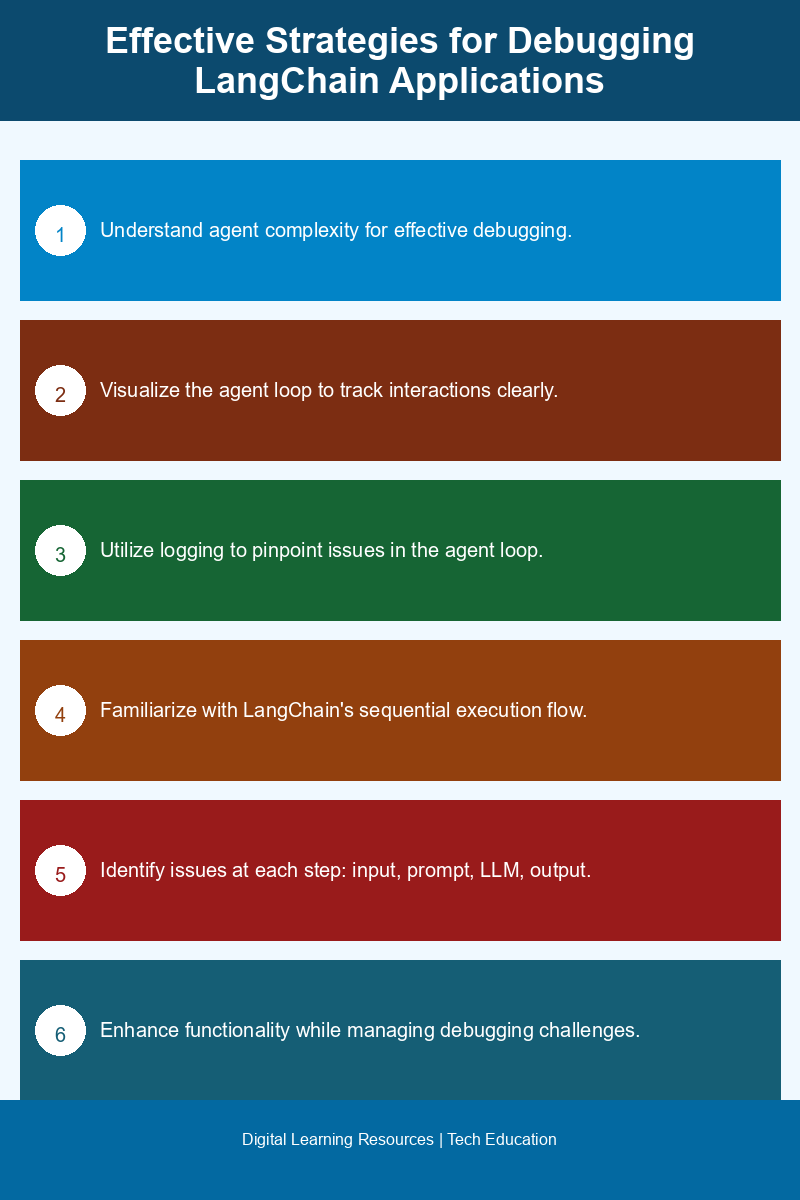
Visual summary of key concepts
- Incorrect output
- No output
- Parse errors
- Slow response times
- Agent loop problems
To maximize the benefits of verbose mode, consider implementing the following logging actions:
- Log raw LLM output to analyze the responses generated by the model.
- Track token counts to monitor usage and ensure that you remain within limits.
- Log agent actions to understand decision-making processes and identify where things go awry.
Systematic Debugging Steps
When issues arise in your LangChain application, follow these systematic debugging steps to identify and resolve the problem:
- Check the Prompt Template: Ensure that the prompt template is correctly structured and that it aligns with the expected input format for the LLM. Small discrepancies can lead to significant issues.
- Verify LLM Connection: Confirm that the connection to the LLM is functioning correctly. This includes checking API keys, endpoint configurations, and any relevant network settings.
- Examine the Output Parser: Review the output parser to ensure it is correctly interpreting the LLM’s output. Verify that it handles all expected output formats and edge cases.
- Monitor Token Usage: Keep an eye on token usage to prevent exceeding limits imposed by the LLM. If your application is generating too many tokens, it could lead to errors or truncated responses.
- Review Tool Definitions: Ensure that the tools defined within your LangChain application are accurate and functioning as intended. Incorrect tool configurations can disrupt the agent’s ability to carry out tasks effectively.
By systematically addressing each step in this process, developers can isolate the root cause of issues more efficiently.
Conducting Root Cause Analysis
Once you have gathered logs and followed the debugging steps, the next phase is conducting root cause analysis. Reviewing logs allows you to identify patterns and occurrences that may lead to failures. Pay particular attention to:
- Timestamps for when issues occur to correlate with specific user inputs or actions.
- Output discrepancies that may indicate parsing or formatting issues.
- Agent decision points that could reveal flaws in reasoning or logic.
This analysis is crucial for understanding why certain outputs are generated or why the application behaves unexpectedly. Once you identify the root cause, you can implement fixes and conduct thorough testing to ensure that the issues are resolved.
Conclusion
Debugging LangChain applications requires a multifaceted approach that includes understanding the complexities of agents, utilizing verbose logging, and following systematic debugging steps. By gaining visibility into each component of the execution flow and conducting effective root cause analysis, developers can troubleshoot issues more efficiently and create robust, reliable applications. With these strategies in hand, you’ll be better equipped to tackle any challenges that arise in your LangChain projects.
Frequently Asked Questions
How can I effectively debug LangChain applications?
To effectively debug LangChain applications, utilize verbose logging to gain insights into the execution flow and identify issues. Additionally, break down complex agents and chains into smaller components to isolate problems more easily.
What are common challenges when debugging agent complexity in LangChain?
Common challenges include managing the interactions between multiple agents and understanding how data flows through the chain architecture, which can lead to unexpected behaviors if not carefully monitored.
Why is verbose logging important for debugging LangChain applications?
Verbose logging is crucial for debugging LangChain applications as it provides detailed information about the application’s execution, helping developers trace errors and understand the state of the application at any point in time.
When should I consider refactoring my LangChain application?
Consider refactoring your LangChain application when you notice increased difficulty in debugging due to complex agent interactions or when the chain architecture becomes unwieldy, impacting performance and maintainability.
Can I use third-party tools to assist with LangChain debugging?
Yes, you can use third-party tools such as logging frameworks and debugging tools that integrate with your development environment to enhance your debugging process for LangChain applications.
Disclaimer: Information gathered from reputed public sources. Verify independently for specific implementations.
Ready to advance your skills? Explore our digital learning resources.
Related reading:
📑 About the author: I also build Digital Bizz Card — hosted digital business cards you can share with a QR code, no app required.